
01
Spreadsheets get abandoned
Receipts pile up, cash disappears from memory, and the budget sheet goes untouched by the weekend.
↗Say it in three seconds or share a statement PDF.
Costy captures expenses from your voice, receipt photos and bank PDFs in seconds — then keeps everything on your iPhone and in your private iCloud household.
✓ Core expense tracking is free · AI features may require provider charges or a paid plan
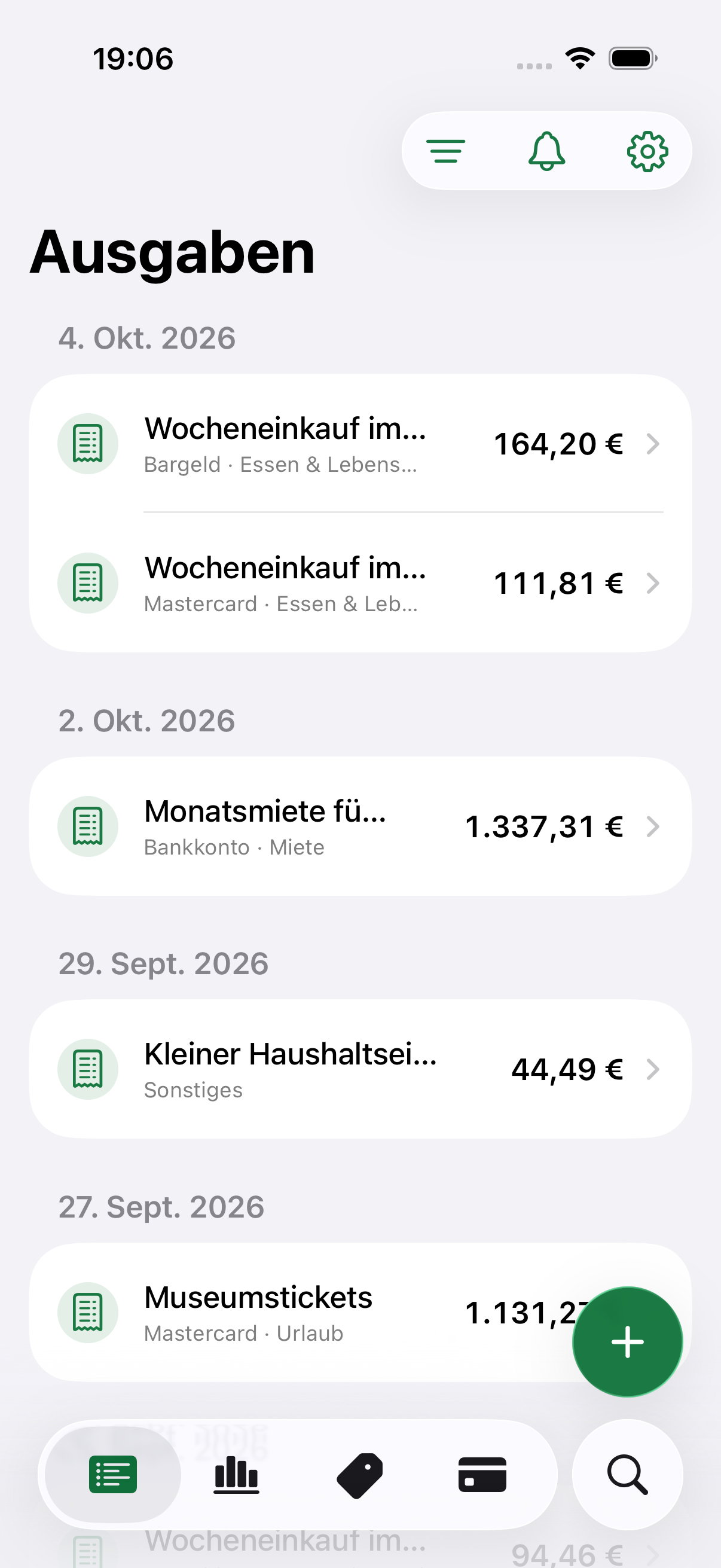
Costy removes the three things that make expense tracking disappear after day four.
Receipts pile up, cash disappears from memory, and the budget sheet goes untouched by the weekend.
You should not hand over banking credentials just to understand where your money went.
A coffee should not require a six-level category tree before it can be saved.
One native iPhone experience for the messy, everyday ways expenses actually arrive.
Voice is transcribed first; the transcript and relevant household context are then sent to your selected AI provider.
Import bank PDFs of up to three pages or receipt photos. Transactions are prepared for your review before saving.
Share household records through iCloud without a Costy account. Each participant needs their own plan or provider key for AI processing.
Money stays precise. Previously scanned documents return from on-device cache instantly, without extra network or token usage.
Costy fits into the moment an expense happens, so your household stays current without a weekly admin ritual.
Speak into the microphone, take a receipt photo or share a bank PDF directly from another app.
Amount, currency, merchant note and household tags are extracted in seconds.
Review once. The expense joins your household and syncs when you are back online.
Yes. Core tracking, iCloud household sharing and manual entry are free. Add your own AI provider key and voice and receipt extraction can also be used for life without a Costy fee.
Yes. Expenses, tags and source documents remain available on your iPhone. Sync resumes when you reconnect.
Create an invite in Costy and share it with AirDrop, Messages or Mail. When household members accept, they join your household directly through Apple iCloud.
Never. Costy imports statement PDFs, receipt photos, voice notes or shared files. It does not connect directly to your bank.
No bank password. No registration form. Save your first expense in four seconds on iPhone.